Get stable qr pay 2026 right
Before you accept payments, ensure your setup handles the unique risks of blockchain transactions. Unlike credit cards, stablecoin transfers are final. Once a customer scans the dynamic QR code and confirms the transaction, the funds move instantly and cannot be reversed. This speed is the primary advantage of the technology, but it also means you bear the responsibility for verifying every step.
First, choose a wallet that explicitly supports QR payment standards. Not all crypto wallets are created equal; some lack the merchant-specific features needed to generate dynamic codes or handle multi-currency settlements. Verify that your provider can convert stablecoins to fiat or other assets automatically to avoid volatility exposure.
Second, test the entire flow with a small amount. Generate a dynamic QR code on your end and pay it from a separate device. Watch for latency issues or network congestion that might delay confirmation. A slow transaction can cause confusion at the point of sale, leading customers to abandon the purchase or attempt to pay twice.
Finally, prepare for edge cases. Network outages or incorrect QR code generation can halt sales. Have a manual backup plan, such as a static QR code or a direct transfer address, ready to use if the primary system fails. This redundancy ensures you never miss a sale due to technical glitches.
Work through the steps
Dynamic QR codes replace static cash by generating a unique, time-sensitive payment link for every transaction. This method prevents replay attacks and allows real-time price adjustments at the point of sale. Follow this sequence to process a Stable QR Pay transaction correctly.
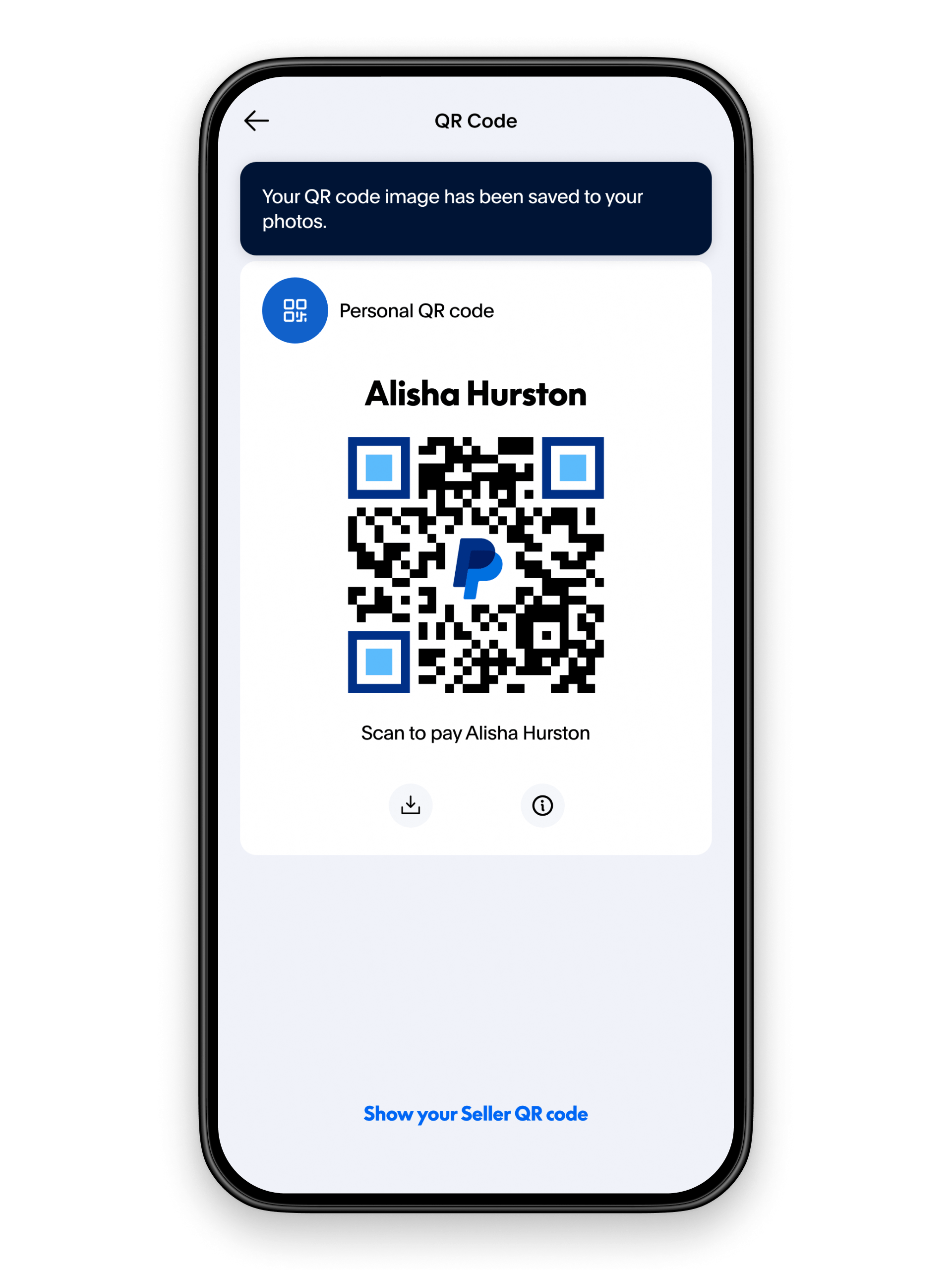
Launch your supported cryptocurrency wallet or banking app. Ensure you are on the main dashboard and have verified your identity if required. Navigate to the "Pay" or "Scan" feature. This action prepares the app to generate or read a dynamic QR code securely.
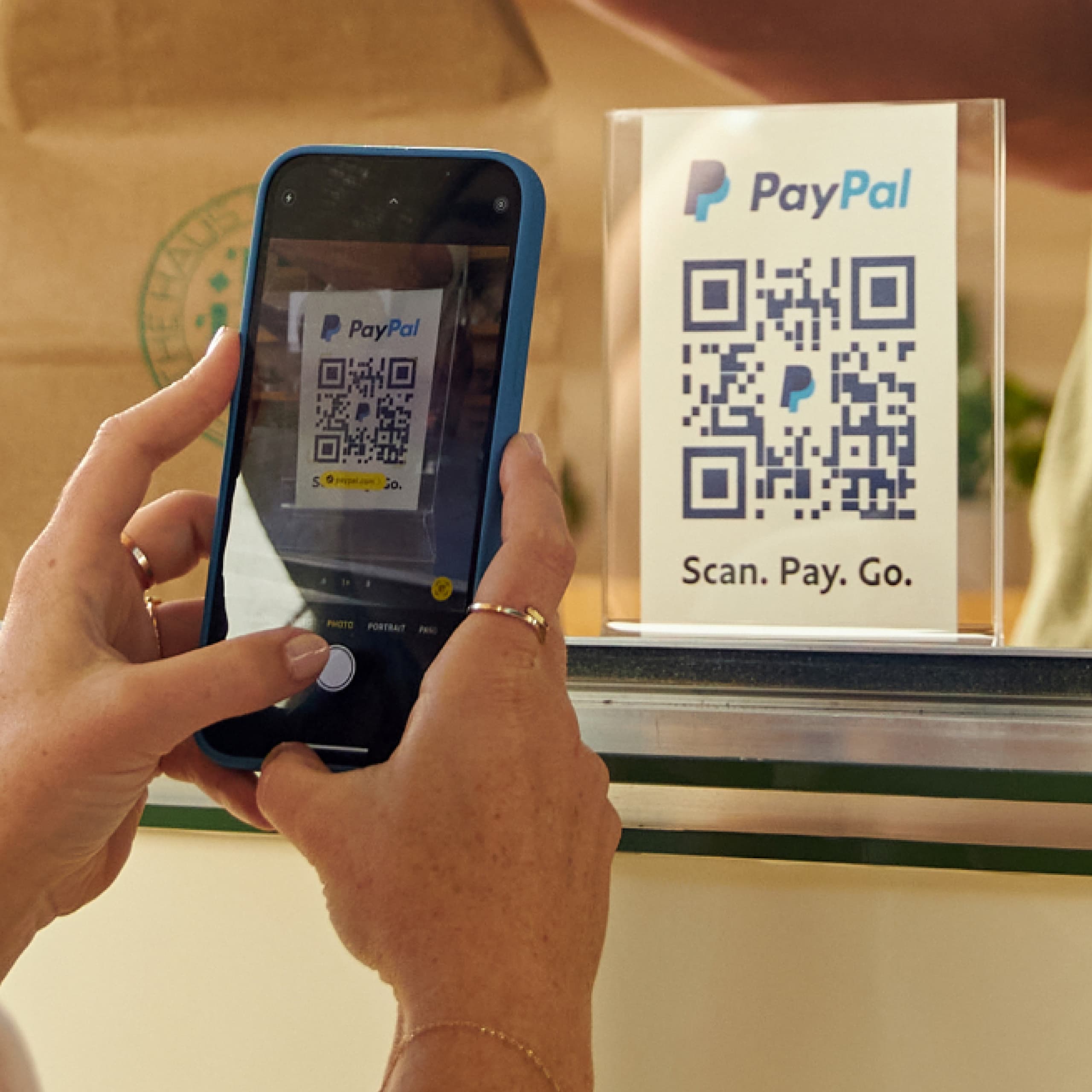
If you are the customer, scan the merchant’s dynamic QR code using your phone’s camera. If you are the merchant, generate the code for the specific transaction amount. The code contains encrypted data including the currency type (e.g., USDT, USDC) and the exact amount, ensuring the payment route is unambiguous.

Before confirming, check the recipient’s name and the currency displayed. Dynamic codes often include a memo or reference field. Confirm that the amount matches your intent. This step is critical because blockchain transactions are irreversible. A wrong recipient address or currency selection results in lost funds.
Approve the transaction using your biometric authentication or PIN. The app broadcasts the transaction to the blockchain network. You will see a pending status while the network validates the block. Wait for the confirmation receipt before considering the payment complete.
Once confirmed, screenshot or save the digital receipt. This record includes the transaction hash (TXID), which serves as proof of payment. Merchants and customers should retain this for accounting or dispute resolution purposes.
Common mistakes and fixes
- Wrong currency selected: Ensure the QR code matches the currency you hold. Scanning a USDT code with USDC funds will fail or require manual conversion.
- Network mismatch: Verify the blockchain network (e.g., ERC20, TRC20) matches the recipient’s wallet. Sending on the wrong network can lead to permanent loss.
- Expired code: Dynamic QR codes have a short lifespan. If the code expires, ask the merchant to refresh it before scanning.
Fix Common Stable QR Pay Mistakes
Even with robust infrastructure, user error remains the primary cause of failed transactions. Most issues stem from configuration oversights rather than systemic failures. By addressing these specific pitfalls, you can ensure your dynamic QR code payments process smoothly without unexpected friction.
Using Expired or Static Codes
A frequent error is relying on static QR codes for high-volume retail environments. Static codes do not update with transaction amounts, increasing fraud risk and complicating reconciliation. Always generate dynamic QR codes that embed the specific payment amount and merchant ID for each sale. If a code expires before scanning, the system will reject the transaction, so ensure your payment gateway refreshes codes in real-time.
Ignoring Network Latency
Stablecoin transactions depend on blockchain confirmation times, which can vary during network congestion. Users often assume instant settlement when delays of 15–30 seconds are normal. Clearly display processing status to customers and configure your POS system to wait for the required number of confirmations before marking the order as complete. This prevents "phantom orders" where goods are handed over before the stablecoin is fully secured.
Overlooking Currency Conversion
Many merchants accept stablecoins but fail to account for the slight volatility against their local fiat currency. While stablecoins are pegged to assets like the US dollar, the exchange rate between the crypto and your local accounting currency can fluctuate. Use a reliable oracle or payment processor that handles real-time conversion and settles in your preferred fiat to eliminate exposure to exchange rate swings.
Stable qr pay 2026: what to check next
Stable QR pay connects your digital wallet to a merchant’s static or dynamic code, converting cryptocurrency into fiat instantly. Before switching to this method, it helps to know how the backend settles transactions and what limitations exist in specific regions.
No comments yet. Be the first to share your thoughts!