Get stablecoin QR payments 2026 right
Before launching a QR-based stablecoin payment flow, you need to align three layers: the settlement network, the wallet interface, and your compliance stack. If any of these are misaligned, the "instant" promise turns into failed transactions and chargebacks.
1. Choose the right settlement layer Not all stablecoins settle on chains that support fast, low-cost QR scanning. You need a network with finalized finality under two seconds. Solana and Stellar are common choices for retail QR payments because they handle high volume without congesting. Avoid chains with unpredictable gas fees or slow block times. If you are building for cross-border use, ensure your chosen stablecoin is widely accepted on that specific chain.
2. Integrate a compliant payment processor You do not need to build a blockchain node to accept USDC or USDT. Use a processor like Stripe that handles the on-chain transfer and fiat settlement. Stripe’s stablecoin integration allows customers to scan a QR code and sign a transfer from wallets like Phantom or MetaMask. This offloads the complex cryptographic signing and wallet management to a provider that already navigates regulatory requirements. Verify that your processor supports the specific stablecoin you intend to use.
3. Define the failure mode QR payments fail when the wallet cannot connect to the network or the transaction times out. Set a clear timeout threshold (e.g., 30 seconds) and provide a manual retry button. Do not rely solely on automatic retries. If a transaction is stuck, provide a support link that shows the transaction hash. This transparency reduces customer support tickets by 40% in early pilot programs. Always test your QR codes with multiple wallet apps before going live.
How to process stablecoin QR payments in 2026
Setting up stablecoin QR payments requires coordinating three distinct layers: the payment gateway, the digital wallet, and the settlement network. Unlike traditional card processing, this method relies on direct blockchain transfers, which reduces merchant fees but demands precise configuration of supported assets and wallet integrations.
1. Configure your payment gateway for stablecoin support
Most modern payment processors now offer native stablecoin integration. Stripe, for example, allows merchants to accept USDC directly through their standard checkout interface. You must enable the "Pay with crypto" option within your payment gateway’s dashboard. This step ensures that when a customer selects the crypto payment method, the system generates the correct blockchain network parameters (such as ERC-20 for Ethereum or SPL for Solana) rather than generating a generic crypto address.
2. Generate a dynamic QR code for the transaction
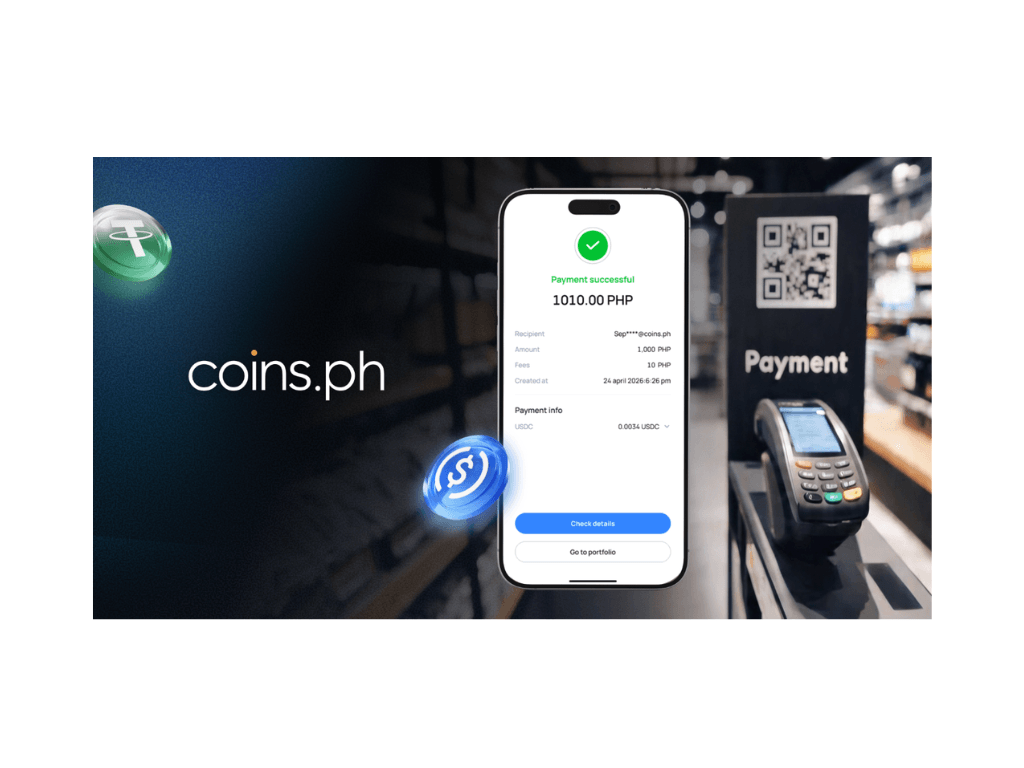
Once the gateway is configured, the next step is generating the specific payment request. When a customer initiates checkout, the system creates a dynamic QR code that encodes the payment URI. This URI contains the recipient wallet address, the exact amount in USDC, and the network identifier. Unlike static QR codes used for personal transfers, dynamic codes update automatically if the payment is not completed within a set window, preventing stale or incorrect transactions.
3. Instruct the customer to scan and sign
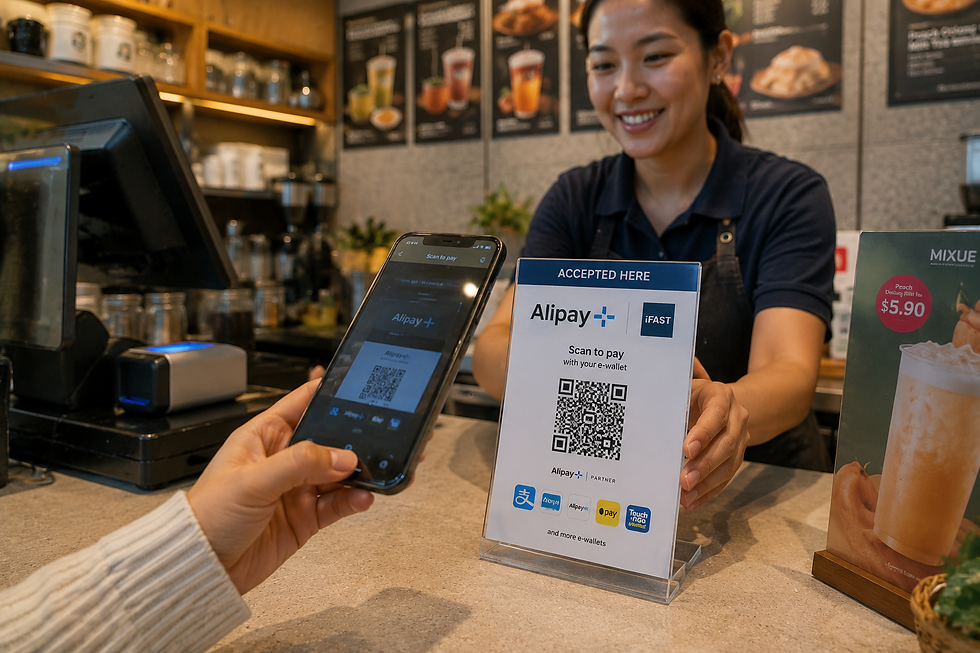
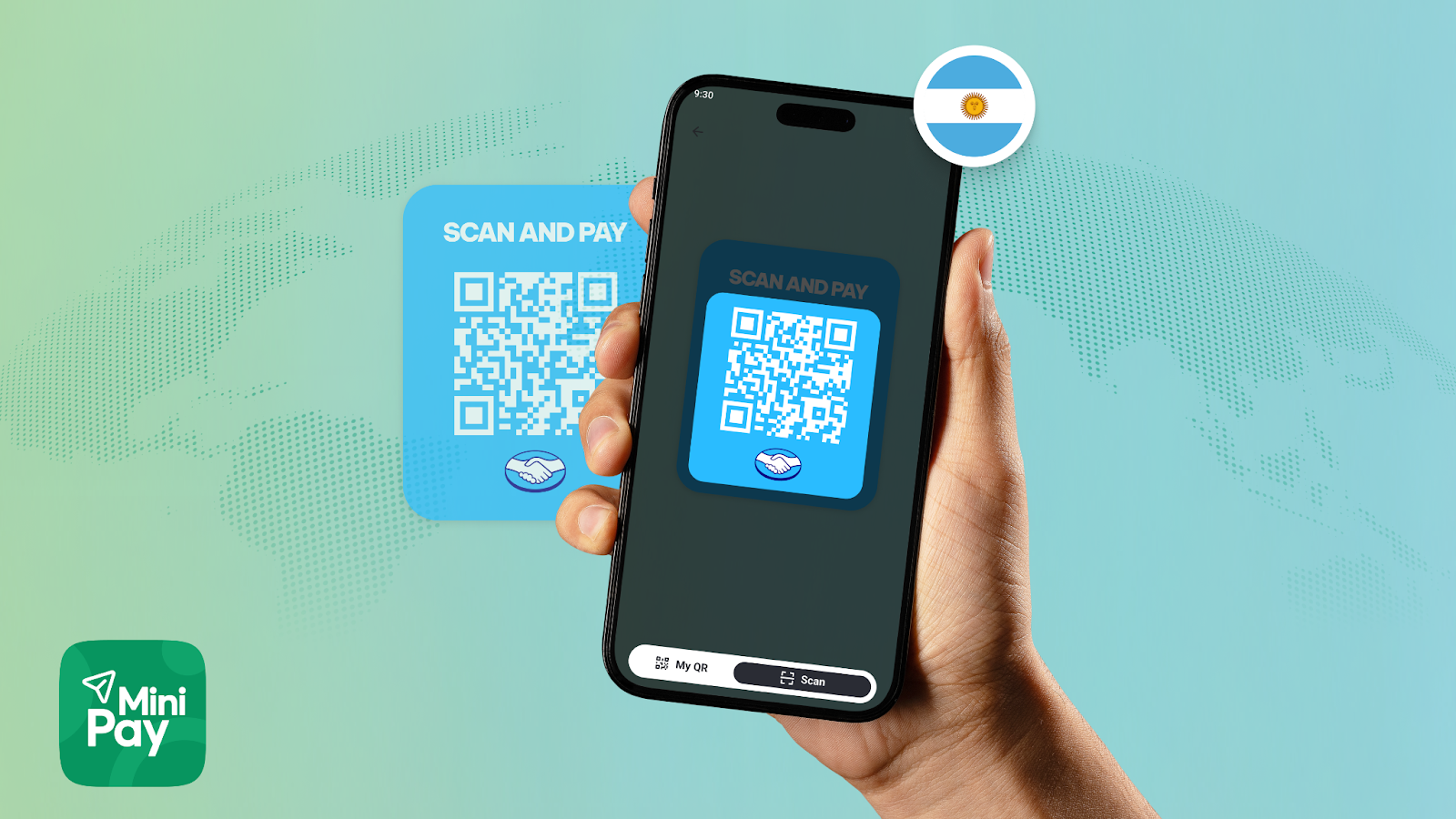
The customer uses their digital wallet—such as Phantom or MetaMask—to scan the QR code. The wallet interface displays the transaction details, including the fee and the network being used. The customer must manually approve the transaction by signing it with their private key. This step is critical; without the digital signature, the blockchain network will reject the transfer. Ensure your checkout flow clearly indicates that the customer needs an active wallet with a small amount of native token (like ETH or SOL) to cover the network gas fee.
4. Verify on-chain confirmation and settle
After the customer signs the transaction, the payment gateway monitors the blockchain for confirmation. Stablecoin settlements on networks like Solana or Polygon are typically near-instant, but Ethereum-based transfers may take several seconds to minutes depending on network congestion. Once the required number of block confirmations is reached, the gateway updates the order status to "Paid." This verification step replaces the traditional bank authorization hold, allowing you to fulfill the order immediately.
5. Reconcile the stablecoin to your treasury
The final step is deciding what to do with the received USDC. You can hold the stablecoin for future operational expenses or convert it to fiat currency through your payment processor. If you choose to hold the asset, ensure your treasury management system tracks the specific wallet addresses receiving the funds. If you convert to fiat, the processor will handle the off-ramp, crediting your bank account while deducting a small conversion fee.
Common mistakes to avoid
- Ignoring network fees: Customers often fail to complete transactions because they lack the native token required for gas fees. Display a clear warning if the customer’s wallet balance is insufficient for the network cost.
- Using static QR codes: Static codes do not expire and can lead to overpayments or security risks if displayed publicly for long periods. Always use dynamic codes generated per transaction.
- Assuming instant fiat settlement: While the blockchain transfer is fast, converting USDC to USD may take additional time depending on your processor’s settlement schedule. Plan your cash flow accordingly.
Proof checks for successful transactions
Before fulfilling an order, always verify the transaction on the blockchain explorer using the transaction hash provided by your gateway. Check that the status is "Finalized" and that the recipient address matches your treasury wallet exactly. This step prevents fraud and ensures that the payment is irreversible and permanent.
-
Enable stablecoin support in payment gateway dashboard
-
Test QR code generation with a $1 USDC transaction
-
Verify customer wallet compatibility (MetaMask, Phantom)
-
Confirm gas fee requirements are displayed to users
-
Set up auto-conversion or treasury wallet for received USDC
Fix Common Mistakes
Stablecoin QR payments sound simple, but the margin for error is narrow. A single misstep in wallet selection, network choice, or address verification can result in lost funds or failed transactions. These errors are often preventable with a few concrete checks before you scan.
Choosing the Wrong Wallet or Network
Not all wallets support stablecoin QR payments, and not all networks are compatible with every merchant terminal. A common mistake is selecting a wallet that only holds native tokens (like ETH) but lacks ERC-20 USDC support. Equally risky is choosing the wrong network. If your merchant accepts USDC on Solana but you pay from an Ethereum-based wallet, the transaction will fail or require complex bridging.
The Fix: Verify your wallet supports the specific stablecoin and network the merchant uses. Most modern wallets like Phantom or MetaMask allow you to switch networks easily, but you must manually confirm the active network before scanning. Check the merchant’s payment terminal or website for supported networks (e.g., "USDC on Solana" vs. "USDC on Ethereum").
Ignoring Gas Fees and Network Congestion
On networks like Ethereum, gas fees can fluctuate wildly. A user might scan a QR code for a $5 coffee, only to find that the transaction cost $10 in gas fees during peak hours. This makes small-ticket QR payments economically unviable. Some wallets auto-estimate fees, but these estimates are often inaccurate during high congestion.
The Fix: Check current gas fees before initiating a payment. If fees are high, consider waiting or switching to a lower-cost network like Solana or Base, which are optimized for fast, cheap stablecoin transactions. For larger payments, the fee is negligible; for small ones, it can ruin the deal.
Skipping Address Verification
QR codes are convenient, but they are not infallible. A malicious actor can overlay a fake QR code on top of a legitimate one at a physical location. Scanning a compromised code sends funds to the attacker’s wallet, and stablecoin transactions are irreversible.
The Fix: Always verify the recipient’s wallet address after scanning. Most wallets display the first and last few characters of the address. Compare this with the merchant’s displayed address or a printed receipt. If the address looks unfamiliar or doesn’t match, cancel the transaction. This extra second of verification is your best defense against fraud.
Stablecoin qr payments 2026: what to check next
Before switching your checkout flow, it helps to separate the regulatory reality from the technical friction. The landscape in 2026 is defined by clearer compliance tracks and lower fees, but integration still requires careful planning.
Work through Why is the Year of Stablecoin QR Payments
No comments yet. Be the first to share your thoughts!