Get stable QR pay 2026 right
Before you accept stablecoin QR payments, ensure your operational stack handles the specific risks of blockchain transactions. Unlike traditional card payments, crypto settlements are irreversible and subject to network volatility. Getting the prerequisites right prevents lost revenue and regulatory friction.
First, verify your digital wallet supports the specific stablecoin standard required by your market, such as USDC or USDT on the relevant chain. Not all wallets support the same networks, and sending funds on the wrong chain results in permanent loss. Check your provider’s documentation for supported networks before activating the payment gateway.
Second, configure automated tax reporting tools. Stablecoin transactions often trigger taxable events depending on your jurisdiction. Manual tracking is prone to error and audit risk. Integrate accounting software that categorizes these payments as income or capital gains from the moment of settlement.
Finally, test the user flow with a small transaction. Ensure the QR code generates correctly and the payment confirms within the expected time frame. A failed test at this stage reveals integration gaps that could frustrate customers later. Once confirmed, your stablecoin QR payment system is ready for live traffic.
How to set up stablecoin QR payments
Stablecoin QR payments merge the speed of blockchain with the familiarity of scanning a code. To use them, you need a compatible digital wallet, a merchant terminal that supports the QR standard, and a stablecoin balance. The process moves funds instantly without traditional banking delays or high interchange fees.
1. Choose a compliant stablecoin wallet
Select a wallet that explicitly supports QR payment standards like the ASEAN QR Payment Standard or EMVCo. Look for wallets that hold real-world assets (RWA) backed by regulated entities. Ensure the app allows you to hold USDC, USDT, or other major stablecoins and displays their current fiat value clearly. Avoid wallets that obscure reserve proofs or lack clear terms of service.
2. Fund your wallet with stablecoins
Transfer stablecoins from a regulated exchange or another wallet into your chosen app. Verify the network compatibility (e.g., Ethereum, Polygon, Solana) to avoid sending funds to an incompatible address. Once the transaction confirms, your balance should reflect the exact amount in your local currency equivalent. Keep a small buffer for network gas fees if the wallet requires them for outgoing transactions.
3. Locate a merchant with QR acceptance
Find a merchant displaying a unified QR code. In many regions, these codes are now standardized, meaning one code can accept multiple currencies or payment methods. Look for logos indicating support for digital wallets or stablecoin payments. If unsure, ask the merchant if they accept "crypto QR" or "digital wallet" payments. Many small vendors now use simple printed QR stickers.
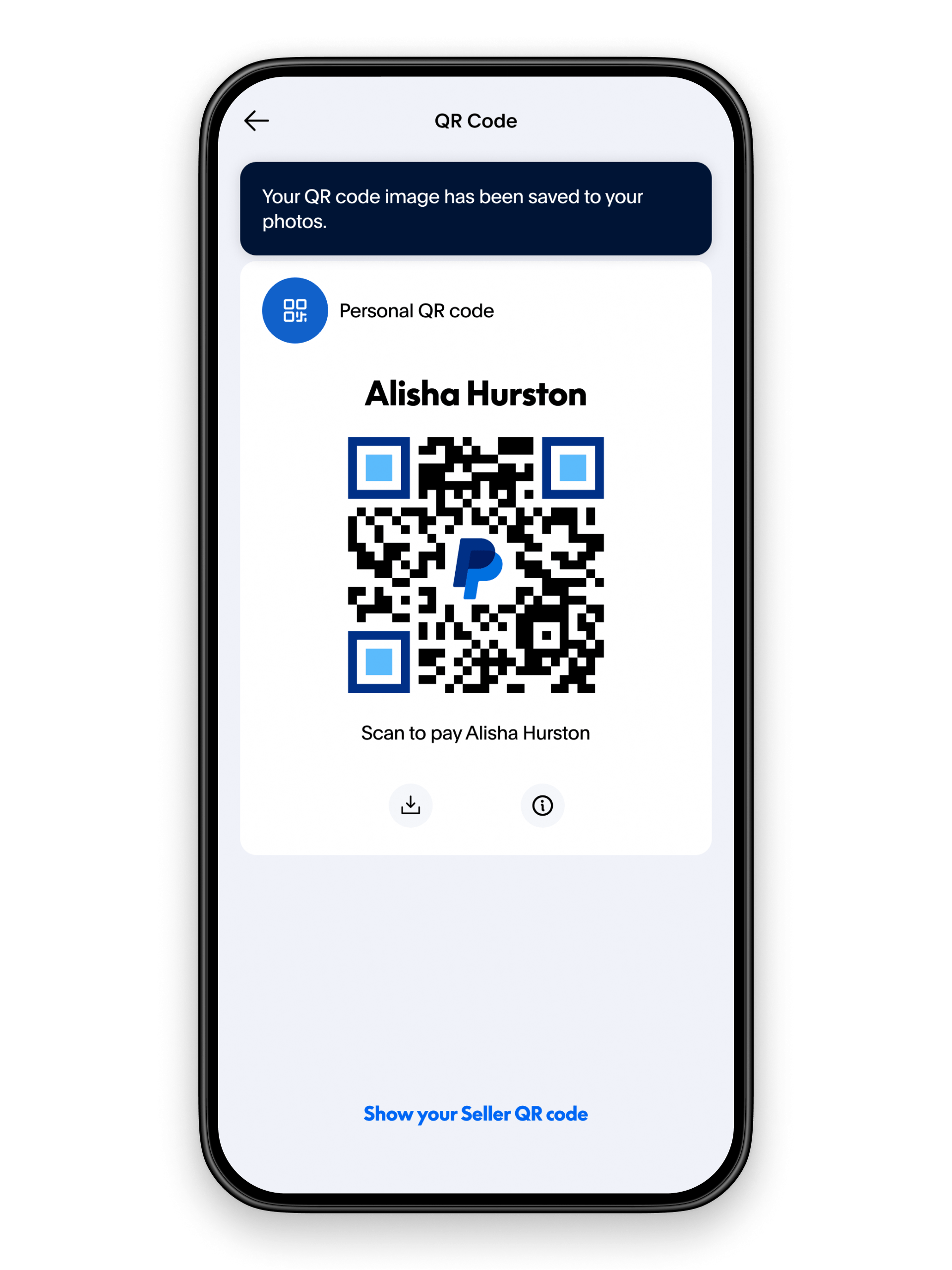
4. Scan the code and confirm payment
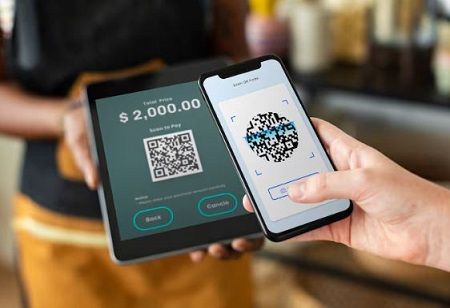
Open your wallet and select the "Scan" or "Pay" function. Point your camera at the merchant's QR code. The app should automatically populate the amount and merchant details. Review the transaction summary, including the stablecoin type and any network fees. Confirm the payment by entering your PIN, using biometrics, or signing with your private key. The transaction should appear in your history within seconds.
5. Verify the transaction receipt
After confirmation, check your wallet for a success notification. The merchant should also receive an instant confirmation. Save the digital receipt for your records, especially for large purchases or business expenses. If the transaction fails, do not rescan immediately; check your balance and network status first. Most successful transactions are irreversible, so double-check details before confirming.
-
Wallet supports the specific stablecoin
-
Merchant QR code is valid and legible
-
Sufficient balance for amount plus fees
-
Transaction details match the invoice
While the technology is mature, always verify that your specific wallet supports the local QR standard (such as MPGS or PayNet) before traveling or shopping abroad. Network compatibility is the single biggest point of friction for new users.
Work through Why is the Year of Stablecoin QR Payments
No comments yet. Be the first to share your thoughts!